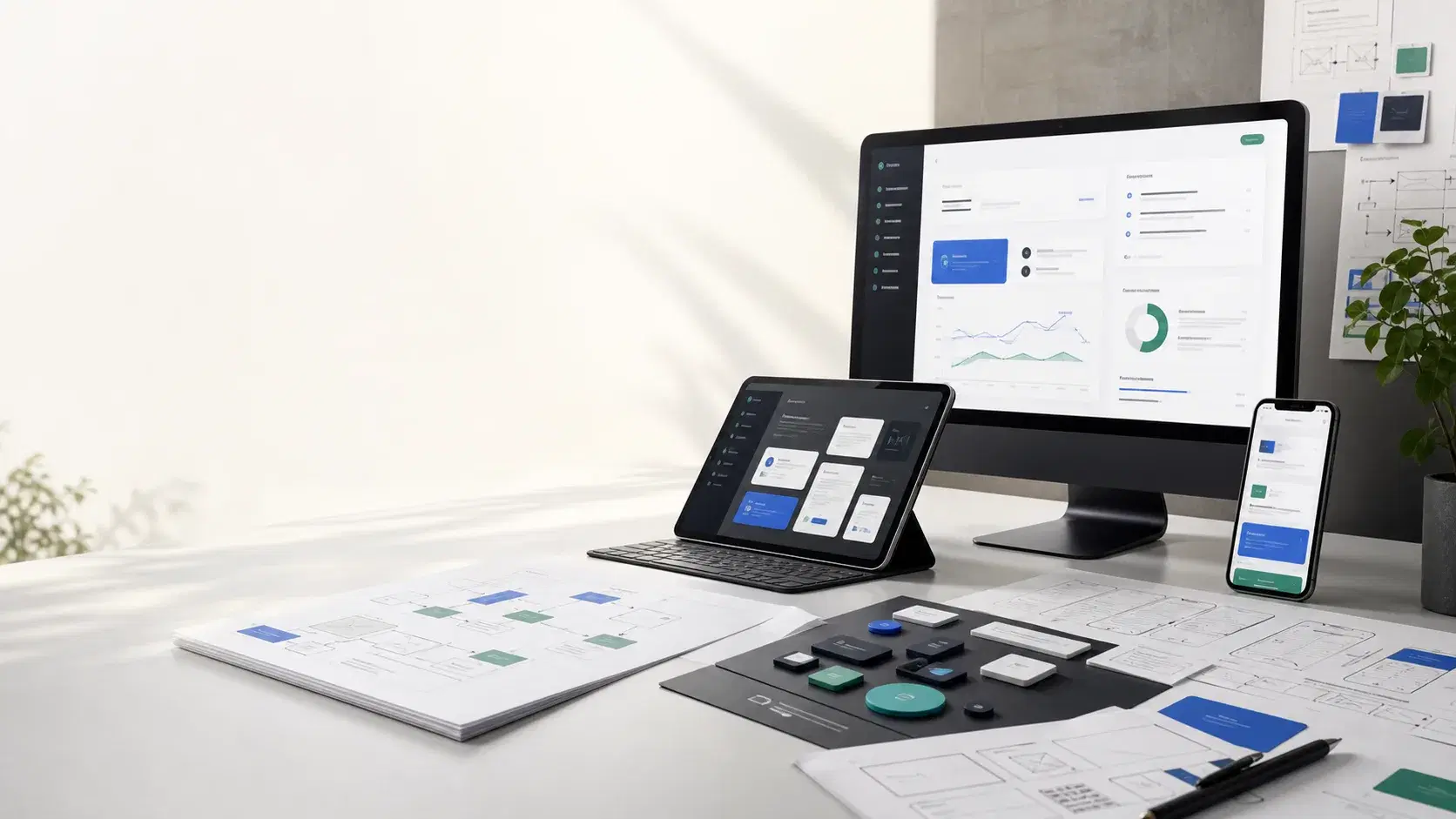
01
Client or customer portal
Give customers a clear place to submit information, check status, access resources, or manage requests.
Better fit for the business
When off-the-shelf tools are not enough, Keystone Digital Works can help plan and build custom digital solutions tailored to your workflow or customer experience.
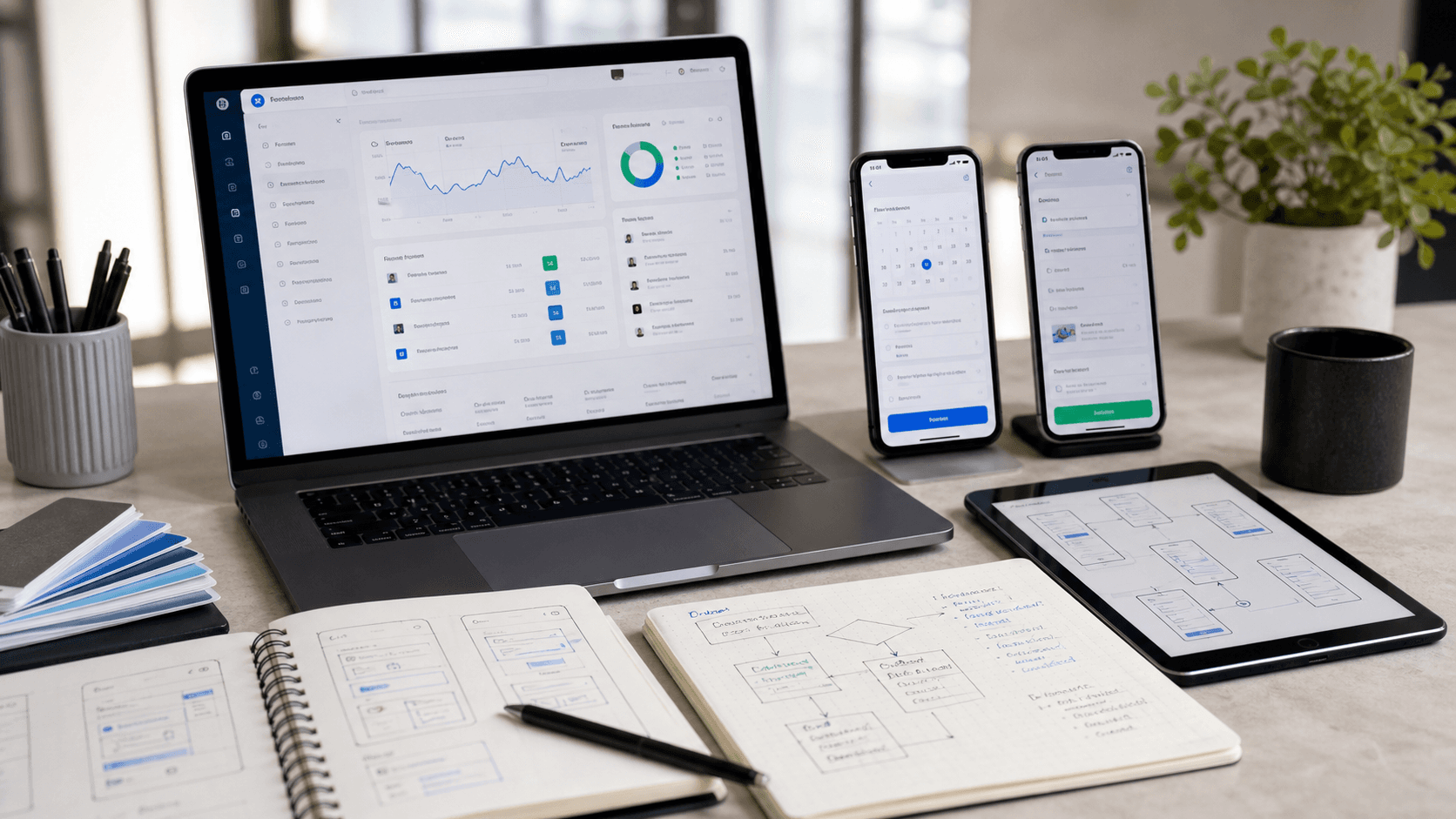
Product fit map
Custom Software that starts with the business problem.
Best for
Businesses outgrowing generic SaaS tools or cobbled-together spreadsheets
When off-the-shelf tools are not enough.
Portals, dashboards, and request flows work best when they match the real steps staff and customers take.
Custom software is useful when the business has a real process that generic tools cannot support cleanly. We help define the workflow, reduce unnecessary scope, and build focused portals, dashboards, booking flows, internal tools, or app experiences that fit how people actually work.
The best projects start from a concrete business need, not a vague wish list. These are the patterns we would look for first.
What we look for
A clear business signal before a technical solution.
Give customers a clear place to submit information, check status, access resources, or manage requests.
Better fit for the business
Bring scattered operational data into a focused view for owners, managers, or staff.
Fewer workarounds
Replace a manual scheduling or intake process with a guided flow that captures the details your team needs.
Improved efficiency
Create an app-like experience for teams or customers when a standard website is not enough.
More control
Motion overview
A focused look at portals, dashboards, mobile workflows, integrations, and phased product growth.
If the need is mostly connecting existing tools, automation may solve it faster than custom software.
These examples are representative project shapes, useful for deciding whether the service matches the problem you have.
A custom request path with customer details, availability rules, internal review, and follow-up notifications.
A simple dashboard that shows job status, customer requests, priority tasks, and useful business metrics.
A secure place for clients to see documents, updates, forms, or project information without digging through email.
A strong foundation for web apps, portals, dashboards, and interactive customer experiences.
When a workflow needs a dedicated desktop experience, we can plan native applications for Windows or macOS instead of forcing everything into the browser.
Structured data storage for accounts, requests, records, bookings, and internal workflows.
Role-based access for owners, staff, customers, or partners when different people need different views.
Connect custom tools to payment systems, CRMs, email platforms, scheduling tools, or existing business software.
The exact scope changes by service, but the working rhythm stays practical: understand the business, shape the right first version, build carefully, and leave room to improve.
We document the people, steps, rules, and data involved so the software solves the right problem.
We separate must-have features from later ideas and focus on the smallest version that can be useful.
We create the interface, data model, integrations, and core workflows with room to iterate.
After the first version is live, we refine based on real use and add the next layer only when it earns its place.
Better fit for the business
Fewer workarounds
Improved efficiency
More control
Custom software is worth considering when your team has a repeatable workflow that generic tools only partly support, or when workarounds are creating delays, duplicate entry, or customer confusion.
Yes. We can build cross-platform mobile apps or lightweight web apps that work on any device.
We usually compare both paths first. If an existing tool solves the problem cleanly, that may be the better move. Custom work makes sense when fit, control, or customer experience matters more.
That's common. We start with a discovery session to understand your workflows and recommend the right solution.
Yes. We prefer phased builds. The first version should solve the most important workflow, prove value, and leave room for the next layer once real users have tried it.
In many cases, yes. We can plan integrations with CRMs, payment systems, email tools, scheduling platforms, databases, or other business software when those systems support it.
After launch, we can help monitor issues, refine workflows, add features, improve usability, and document the system so it remains understandable as it grows.
Web Design
Website Design & Development
We design and build modern websites that help your business look more credible, communicate clearly, and convert more visitors.
Learn more →AI & Automation
AI & Automation
We help businesses identify practical ways to save time, streamline work, and improve customer experiences with automation and AI.
Learn more →Cloud Strategy
Cloud & Modernization
We help businesses think through how modern hosting, cloud services, and updated digital systems can support growth and reduce friction.
Learn more →IT Consulting
IT Consulting
Small business IT consulting for websites, cloud tools, domains, email-related records, software choices, implementation planning, and technical decision-making.
Learn more →Network & Wireless
Network & Wireless Solutions
Network and wireless planning for small businesses that need stronger Wi-Fi coverage, clearer ownership, and practical infrastructure guidance.
Learn more →Tell us about your project and we’ll help you figure out the best path forward.