01
Lead intake and follow-up
Route form submissions, organize lead details, send confirmations, and help the team respond faster.
Less repetitive work
We help businesses identify practical ways to save time, streamline work, and improve customer experiences with automation and AI.
Workflow opportunity map
AI & Automation that starts with the business problem.
Best for
Businesses drowning in repetitive tasks or slow manual processes
Practical automation for real business needs.
Forms, routing, alerts, and confirmations can reduce missed follow-up without adding complexity.
Automation works best when it starts with a real bottleneck, not a trend. We look for repeatable tasks, slow handoffs, missed follow-ups, and information gaps where a practical workflow or AI-assisted tool can save time without making the business harder to run.
The best projects start from a concrete business need, not a vague wish list. These are the patterns we would look for first.
What we look for
A clear business signal before a technical solution.
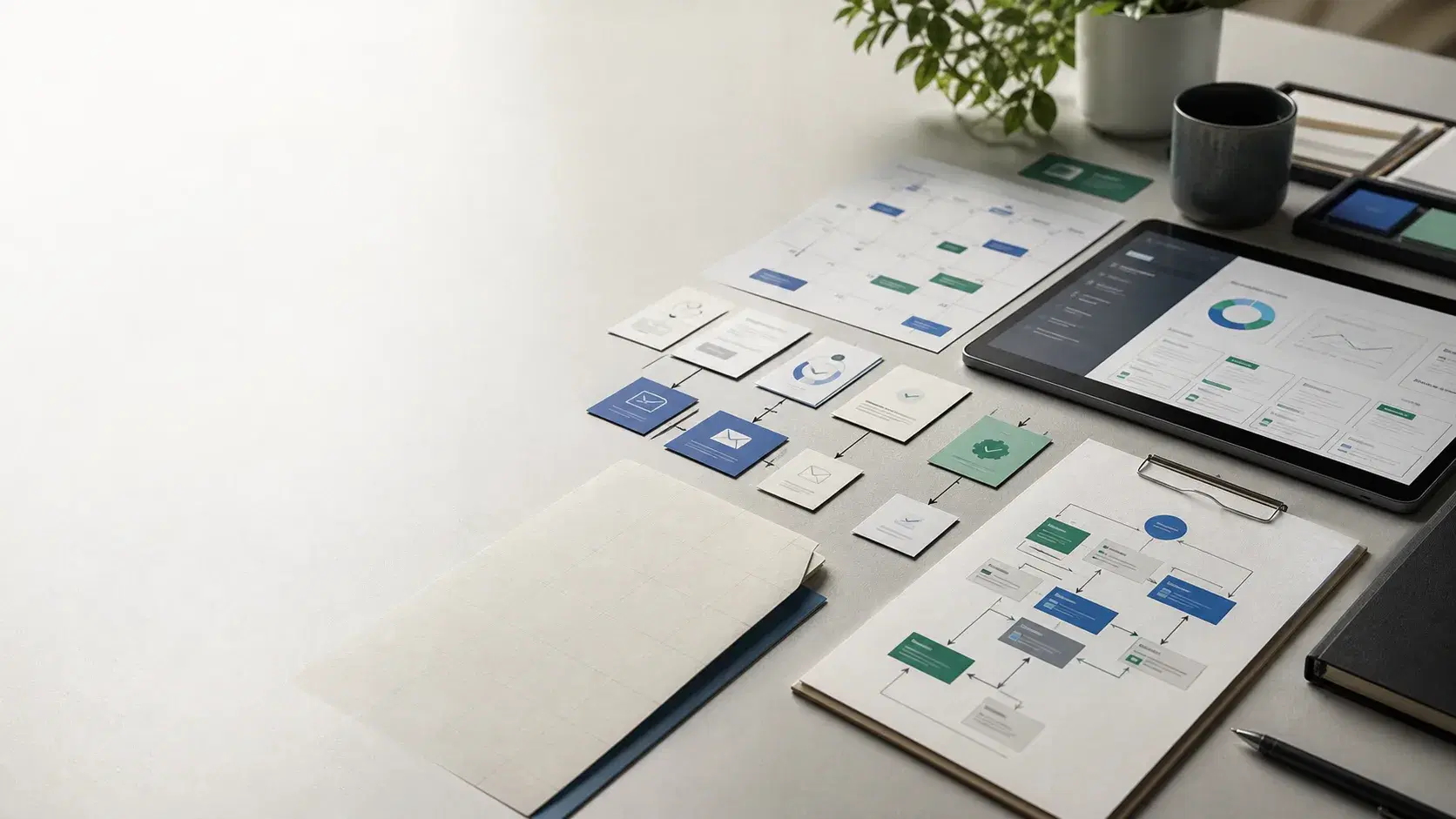
Route form submissions, organize lead details, send confirmations, and help the team respond faster.
Less repetitive work
Make policies, service details, FAQs, and process notes easier for staff to search and use.
Faster response times
Reduce back-and-forth by connecting forms, calendars, notifications, and task lists around a clear process.
Fewer bottlenecks
Move repeated admin work out of inboxes and spreadsheets into clearer workflows with statuses, reminders, and fewer duplicate entries.
Clearer accountability
Map where AI is useful, where normal automation is enough, and where a manual step should stay human.
Better use of staff time
Motion overview
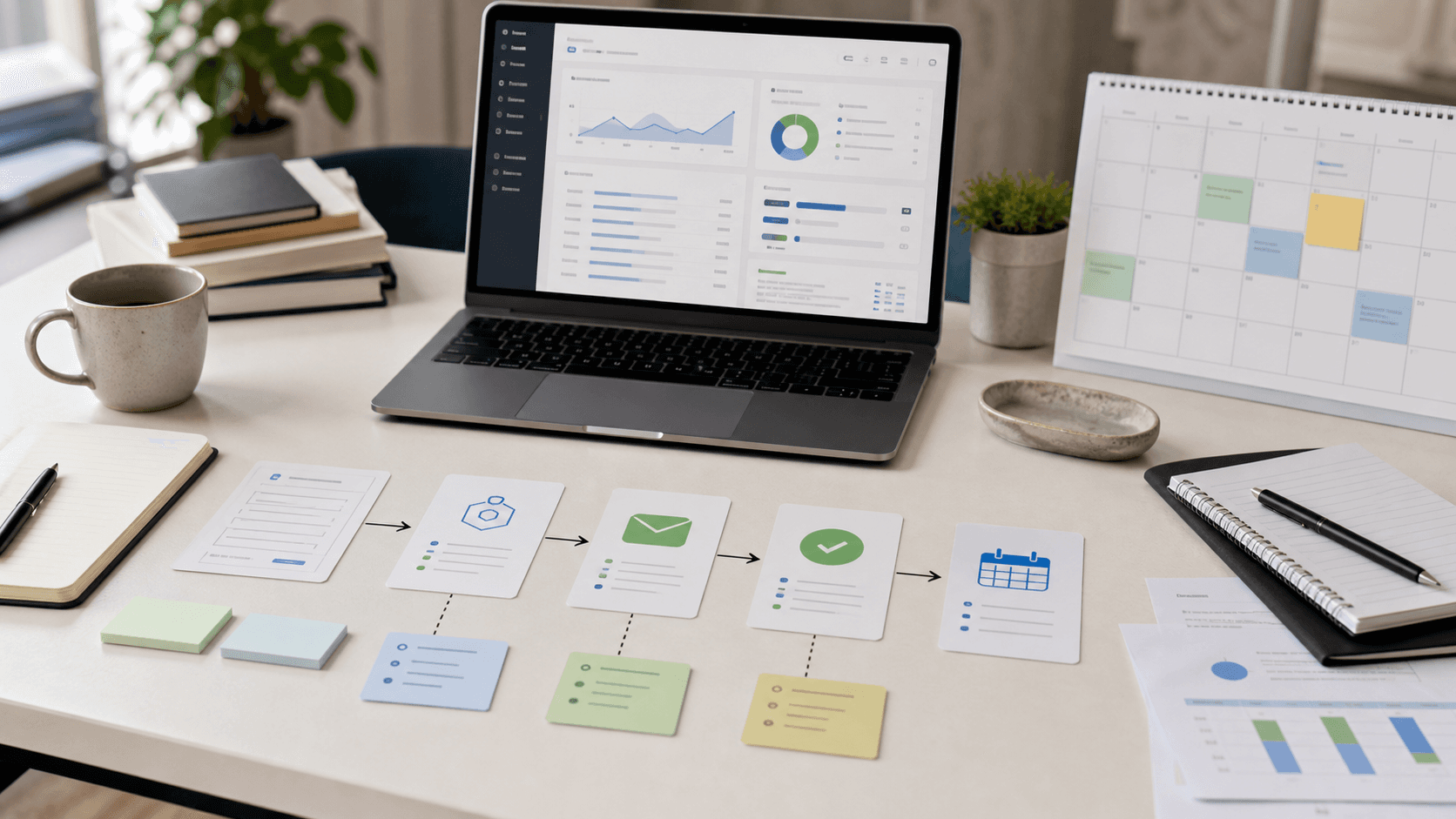
A practical view of intake, routing, AI-assisted support, and human review without overcomplicating the workflow.
If the main problem is customer trust or conversion, a stronger website may create more immediate value than automation.
These examples are representative project shapes, useful for deciding whether the service matches the problem you have.
A website form that captures project details, alerts the right person, creates a follow-up task, and sends a clear confirmation.
A grounded assistant that answers common customer questions from approved business content and points people to the right next step.
A practical automation plan for teams using email, spreadsheets, calendars, and manual reminders to manage recurring work.
A lightweight status log or dashboard that helps owners see whether requests, jobs, and follow-ups are moving.
Services like Zapier, Make, n8n, or native app automations can connect forms, email, calendars, spreadsheets, and CRMs.
AI tools like Claude, OpenAI, Hermes, OpenClaw, AWS Quick, can help summarize requests, draft responses, classify leads, or search internal information when the guardrails are clear.
Lead data can flow into tools your team already uses instead of living in disconnected inboxes.
Lightweight views and notifications can make bottlenecks visible before they become missed opportunities.
The exact scope changes by service, but the working rhythm stays practical: understand the business, shape the right first version, build carefully, and leave room to improve.
We identify the repetitive steps, decision points, systems involved, and places where work gets stuck.
We choose a focused automation that can prove value without rebuilding the whole business process.
We connect the tools, define review points, and keep AI-assisted steps clear and controlled.
Once the workflow is running, we review what it saves and decide whether the next phase is worth it.
Less repetitive work
Faster response times
Fewer bottlenecks
Clearer accountability
Better use of staff time
Not at all. We start by understanding your workflows and identifying where automation can save you real time.
Good candidates are repeatable, rules-based, and easy to review: lead routing, follow-up reminders, form summaries, spreadsheet updates, notifications, scheduling steps, and customer FAQ support.
That is not the goal. The best use cases usually reduce repetitive admin work, organize information faster, or help staff respond with better context while keeping important decisions with people.
Projects can start small. We focus on quick wins first and scale from there based on results.
Often, yes. We look at your current forms, email, calendars, spreadsheets, CRM, scheduling tools, and website before recommending anything new.
We keep AI use narrow, connect it to approved information when possible, add review points, and avoid giving it silent control over high-risk decisions.
A strong first project is usually a workflow that saves time every week, has a clear owner, and can be measured without changing how the whole business runs.
Web Design
Website Design & Development
We design and build modern websites that help your business look more credible, communicate clearly, and convert more visitors.
Learn more →Custom Software
Custom Software & Mobile Apps
When off-the-shelf tools are not enough, we help plan and build custom digital solutions tailored to your workflow or customer experience.
Learn more →Cloud Strategy
Cloud & Modernization
We help businesses think through how modern hosting, cloud services, and updated digital systems can support growth and reduce friction.
Learn more →IT Consulting
IT Consulting
Small business IT consulting for websites, cloud tools, domains, email-related records, software choices, implementation planning, and technical decision-making.
Learn more →Network & Wireless
Network & Wireless Solutions
Network and wireless planning for small businesses that need stronger Wi-Fi coverage, clearer ownership, and practical infrastructure guidance.
Learn more →Tell us about your project and we’ll help you figure out the best path forward.